FIERY | Digital Factory 11 DTF
4,050.00 zł
netto
4,981.50 zł
brutto

Marka:

RIP software for DTF printers
-sheet-fed printers up to A2 format
-single-head roll printers up to 42.5cm wide
CADlink software - Digital Factory 11 for DTF Desktop Edition, is available both as an online code version (available within a few hours) and as a USB flash drive version (processing time approx. 10 days)
Everything you need in one Direct to Film (DTF) software package. Thanks to its unrivaled set of features, Digital Factory Direct To Film Edition combines tools for file preparation, color management and production automation.
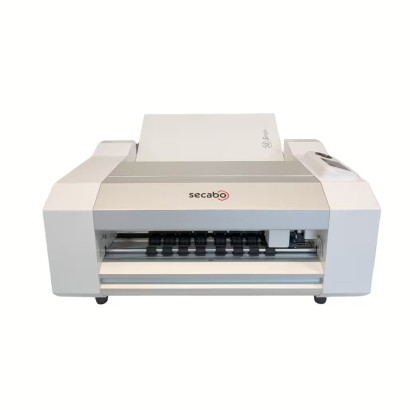
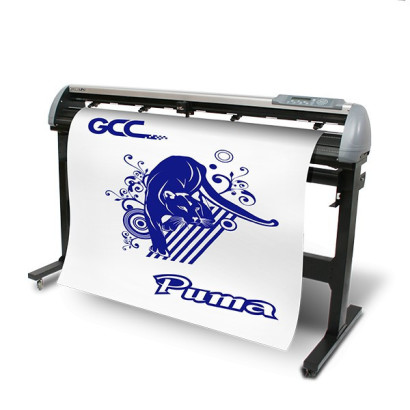
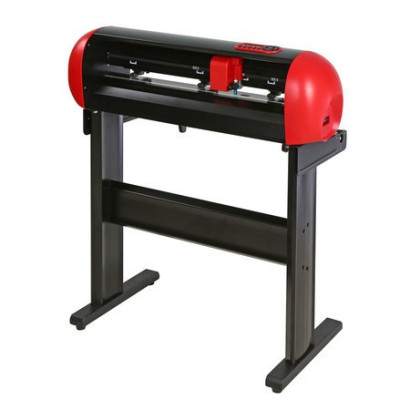
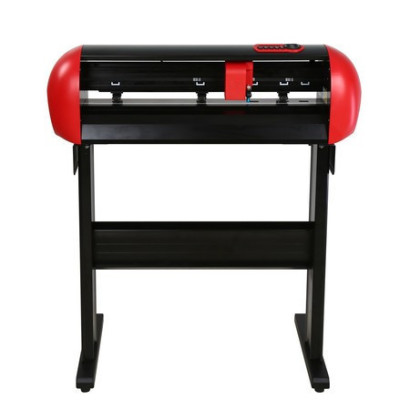
THE LARGEST NUMBER OF SUPPORTED PRINTERS AND CUTTING PLOTTERS
Including most commonly used Epson® printers, as well as many high-performance specialist printers offered by various Direct to Film vendors.
TOOLS FOR PRINT DESIGN AND AUTOMATION
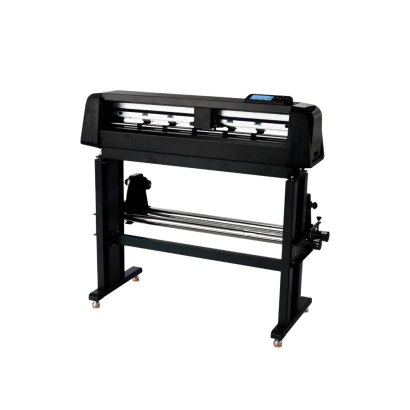
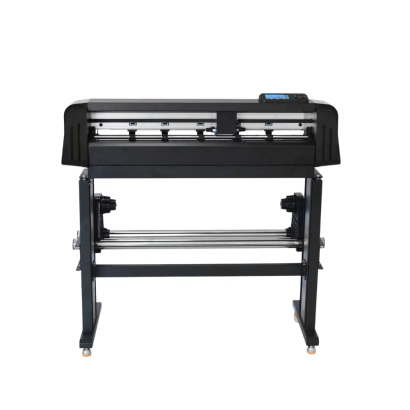
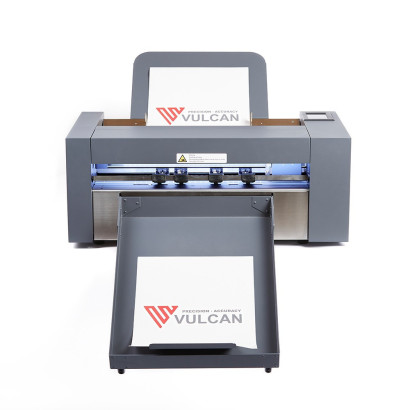
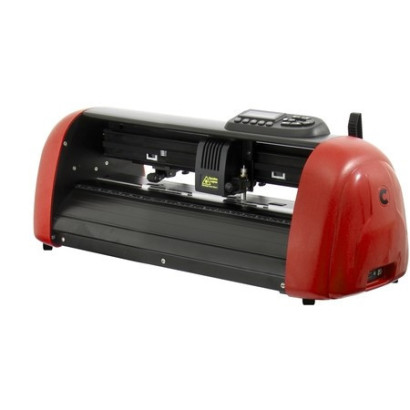
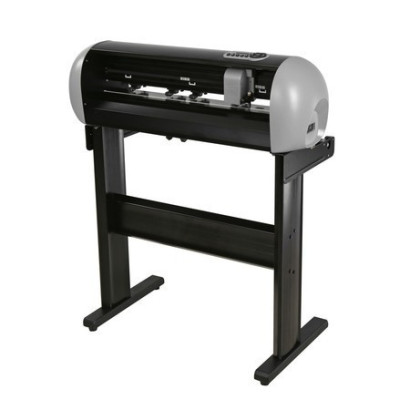
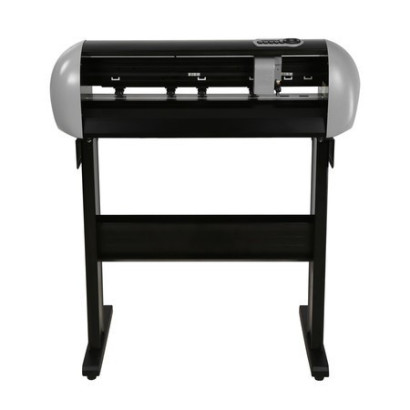
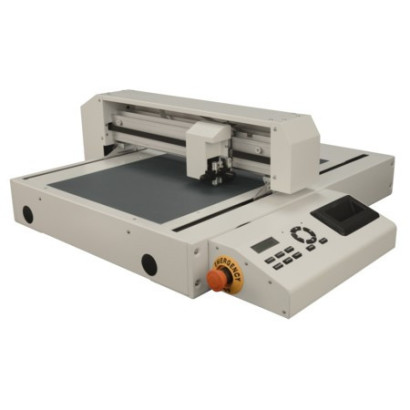
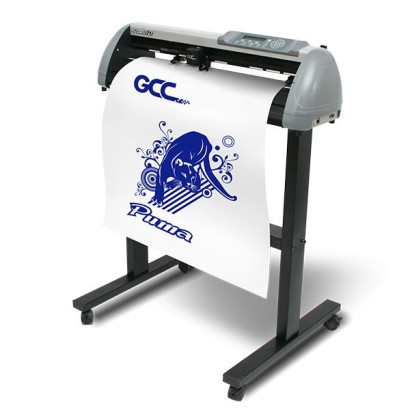
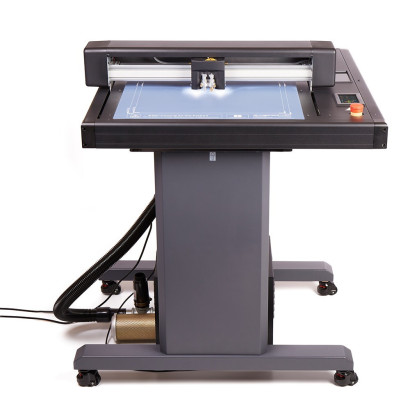
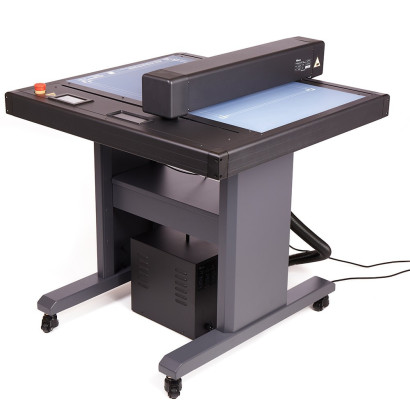
CadLink Digital Factory DTF includes dozens of valuable, time-saving features. These include tools for automatically removing black backgrounds, adding white underbases and trimming white at the edge of the print. Automatic job nesting, barcode support and cutting on many types of cutting plotters without the need for additional software.
ROBUST RASTERIZATION INTERFACE
Applying “ink breaks”—unprinted graphic elements in a design—has never been easier or more visually appealing. Raster transparency provides flexibility when placing gaps across the entire image or only in selected areas.
GENERAL PROCESSING AND PRINTING FEATURES
- Support for Windows™ 10 and 8 (32 and 64 bit)
- Optimized RIP processing speed
- Optimized processing of multiple jobs (RIP threading)
- Reduced RIP times for multiple copies.
- End-to-end workflow support in .pdf format
- Improved plug-ins for Corel® , Illustrator® and other programs.
- Templates enable precise design positioning
- “KnockMeBlackOut”, removing black from a design
- “KnockMeColorOut”, removing white and other colors from a design
- Automatic white choke (choke/spread)
- Simplified navigation; easy queue, tab, page view and job properties menus
- Grid option in the job preview window
- Instant access to job information using “image on mouseover”.
- Automatic TCPIP port discovery to simplify network print configuration
- Fast job reprinting with the option to save job backups (.jbk file)
- Exporting queues and printer packages
- Worldwide language support through Unicode
- 4K display support
- Preset color profiles for white, black and colored media of various types
- High-fidelity ICC-compliant color management engine
- Simple ink quantity control
- Full manual color curve
- Advanced color correction
- Easy color adjustment
- Color correction wizard
- Easy access to print modes and print mode overrides
- High-speed print modes without reducing quality
- Visual print preview
- Raw data preview
- Elliptical marquee with spacing control
- Image and job cropping control
- Image and job rotation control
- Mirroring and flipping of images and jobs
- Scaling images and jobs to any size
- Soft proofing
- Built-in special effects/filters (distressed, distressed frames, sharpen)
- Updated Supersize filter function for better image resolution
- Exporting template layouts with an improved template user interface
- Image duplication interface
CADlink software - Digital Factory Desktop Edition, available only as an online code version (available within a few hours)

RIP software for DTF printers
-sheet-fed printers up to A2 format
-single-head roll printers up to 42.5cm wide