
MODERN TRANS COPY | Flexi Trans A4
1.65 zł
netto
2.03 zł
brutto


Marka:

CMYK +WHITE transfer paper for laser printers
Self-weeding, for dark textiles.
PRICE from PLN 13.25 net per sheet when purchasing a pack of 100 sheets.
Freestyle Dark A3 - is transfer paper for printing on dark textiles using OKI printers with white toner. A highly efficient WT printing system for dark substrates, characterized by ease of printing and a lower failure rate than other WT products. The system consists of two sheets:
- sheet A - film for CMYK + WT laser printing
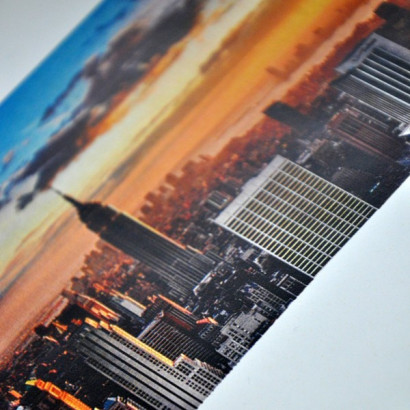
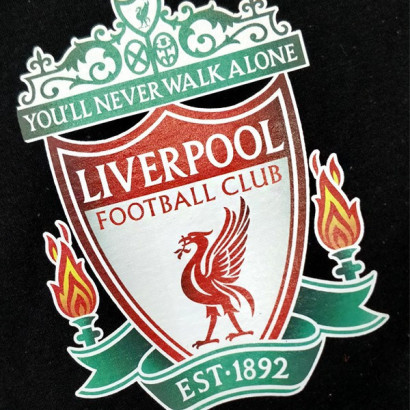
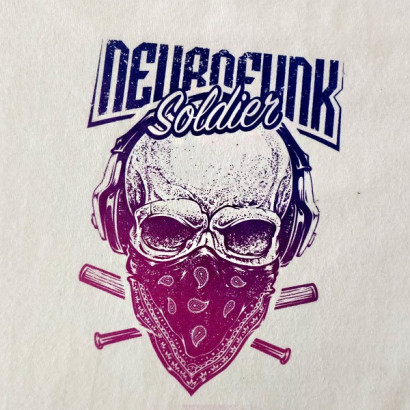
Freestyle Dark is a paper that delivers very vivid colors, excellent contrast and a lightweight print comparable to high-resolution direct printing. The most important feature of this material is the ease of creating prints - sheet A prints without unnecessary specialized settings, and transferring onto sheet B is easier than with other paper types available on the market. Separating the sheets is easy because the transfer takes place at a much lower temperature than with papers from other manufacturers.
Key features:
Very accurate color reproduction.
High wash resistance thanks to the material's special coating.
Very good opacity; suitable for printing on garments of any color.
Designed for printing with OKI WT laser printers (on all substrates) and CMYK printers (on light substrates)
Step 1 - PRINTING PROCESS on film A
Print settings:
Step 2 - TRANSFER PROCESS onto paper B
Step 3 - APPLICATION PROCESS ON A T-SHIRT
NOTES:
All popular graphic formats can be printed; however, direct printing from CorelDraw or using dedicated RIP software is recommended.
We recommend rasterizing the image before printing - this produces a lighter and more flexible print.
Data sheet
CMYK +WHITE transfer paper for laser printers
Self-weeding, for dark textiles.
PRICE from PLN 13.25 net per sheet when purchasing a pack of 100 sheets.